




Tags
-
 Алгоритмы (Algorithms)
-
 Автоматизация (Automation)
-
 Отладка (Debugging)
-
 Docker
-
 Обучение (Education)
-
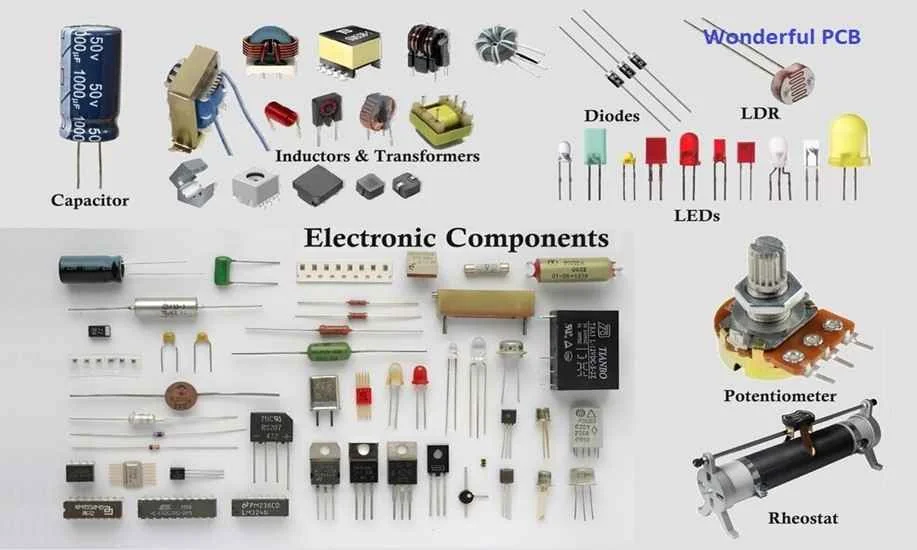 Электронные_компоненты (Electronic_Components)
-
 Электрика (Electrical)
-
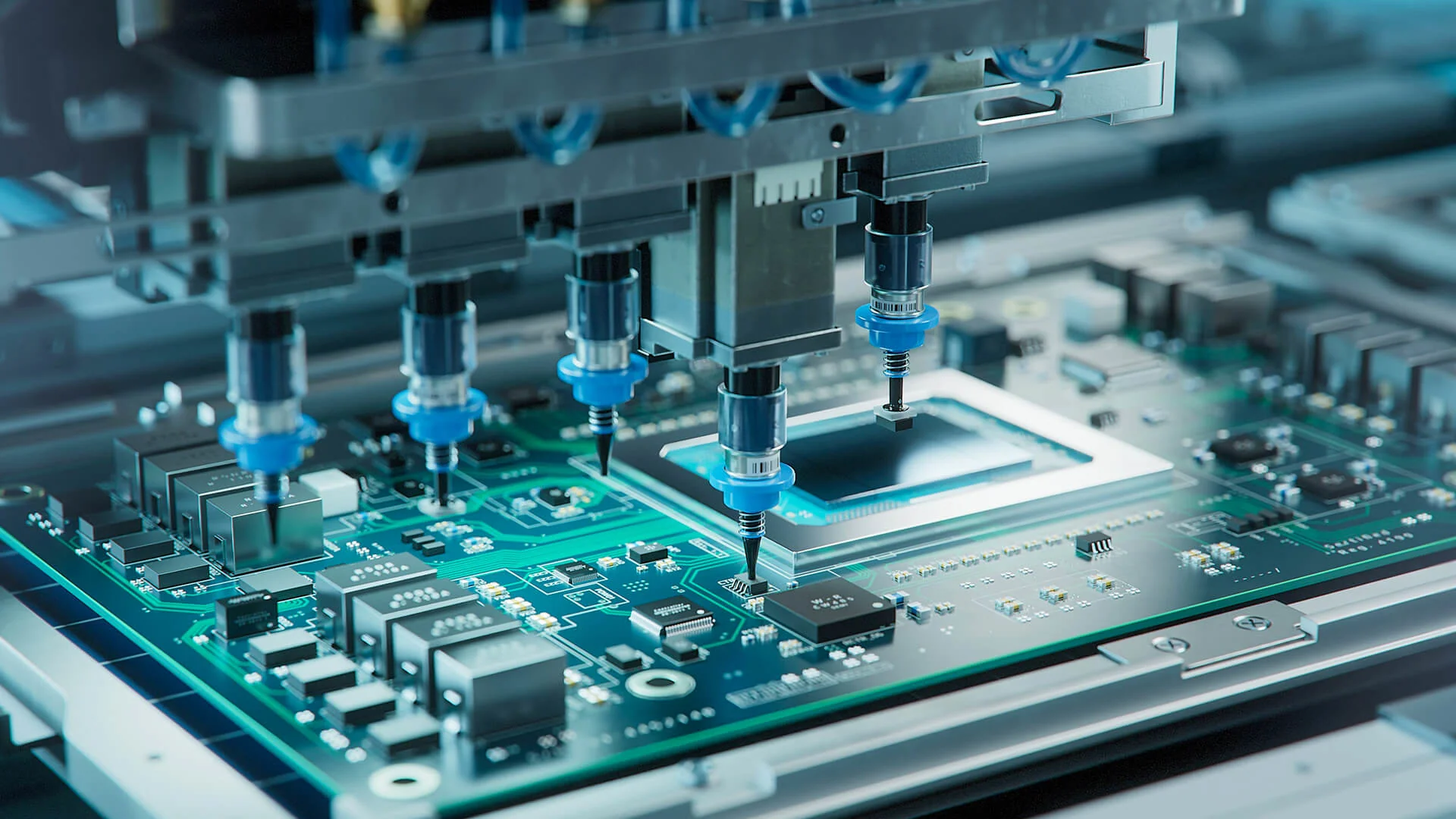 Электроника (Electronics)
-
 Встраиваемые_системы(Embedded_Systems)
-
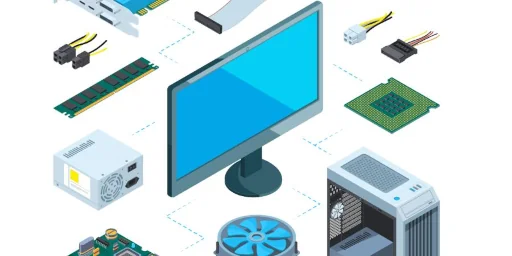 Аппаратное_обеспечение (Hardware)
-
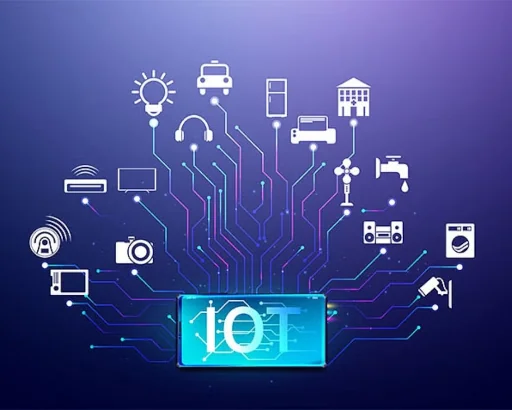 IoT (Internet_of_Things)
-
 Kubernetes (K8S)
-
 Микроконтроллеры (Microcontrollers)
-
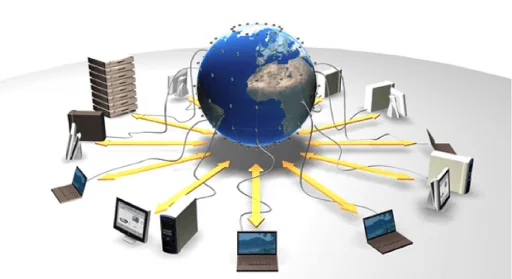 Сети_и_Связь (Networking)
-
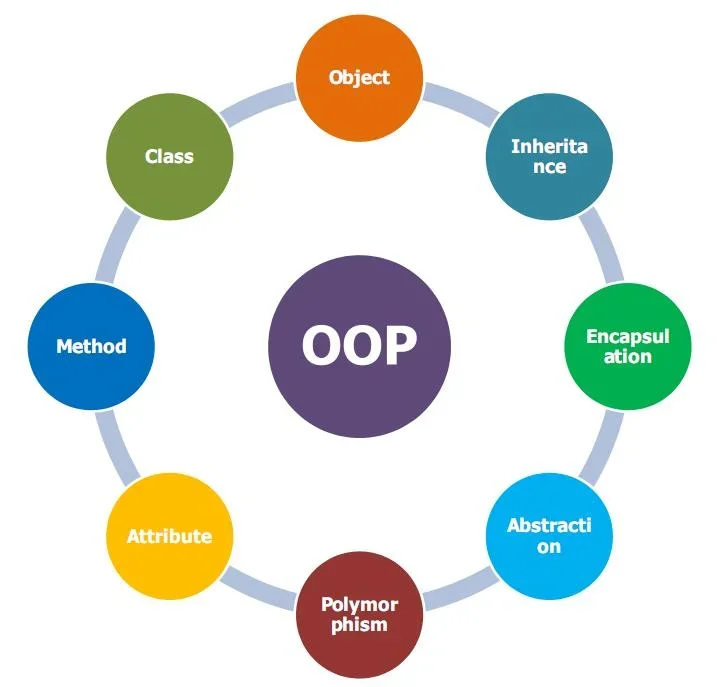 ООП (OOP)
-
 OpenSource
-
 Практика(Practice)
-
 Программирование (Programming)
-
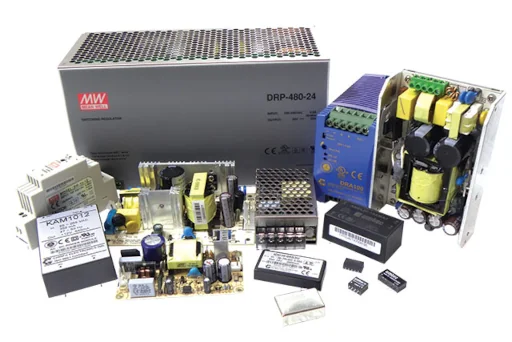 Источники_питания (Power_Supply)
-
 Отзывы (Reviews)
-
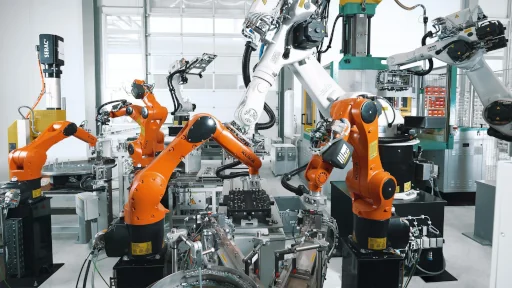 Робототехника (Robotics)
-
 Безопасность (Safety)
-
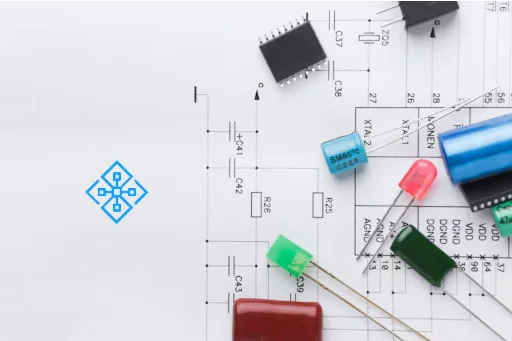 Схемотехника (Circuit_Design)
-
 Софт_и_Инструменты (Software_and_Tools)
-
Алгоритмы (Algorithms)
-
Автоматизация (Automation)
-
Отладка (Debugging)
-
Docker
-
Обучение (Education)
-
Электронные_компоненты (Electronic_Components)
-
Электрика (Electrical)
-
Электроника (Electronics)
-
Встраиваемые_системы(Embedded_Systems)
-
Аппаратное_обеспечение (Hardware)
-
IoT (Internet_of_Things)
-
Kubernetes (K8S)
-
Микроконтроллеры (Microcontrollers)
-
Сети_и_Связь (Networking)
-
ООП (OOP)
-
OpenSource
-
Практика(Practice)
-
Программирование (Programming)
-
Источники_питания (Power_Supply)
-
Отзывы (Reviews)
-
Робототехника (Robotics)
-
Безопасность (Safety)
-
Схемотехника (Circuit_Design)
-
Софт_и_Инструменты (Software_and_Tools)