Jump to content
View in the app

A better way to browse. Learn more.

T.M.I IThub

A full-screen app on your home screen with push notifications, badges and more.

To install this app on iOS and iPadOS
  1. Tap the Share icon in Safari
  2. Scroll the menu and tap Add to Home Screen.
  3. Tap Add in the top-right corner.
To install this app on Android
  1. Tap the 3-dot menu (โ‹ฎ) in the top-right corner of the browser.
  2. Tap Add to Home screen or Install app.
  3. Confirm by tapping Install.

๐ŸŽฎ Game Development & Game Engines

Game creation, engines, and interactive technologies. Everything related to building games โ€” from core mechanics and design to rendering, physics, optimization, and cross-platform deployment.

Forums

  1. High-end game and simulation development with Unreal Engine: Blueprints, C++, rendering, physics, and performance.

    • 0 posts
  2. Game development with Unity: C#, project architecture, optimization, mobile and cross-platform games, plugins, and tooling.

    • 0 posts
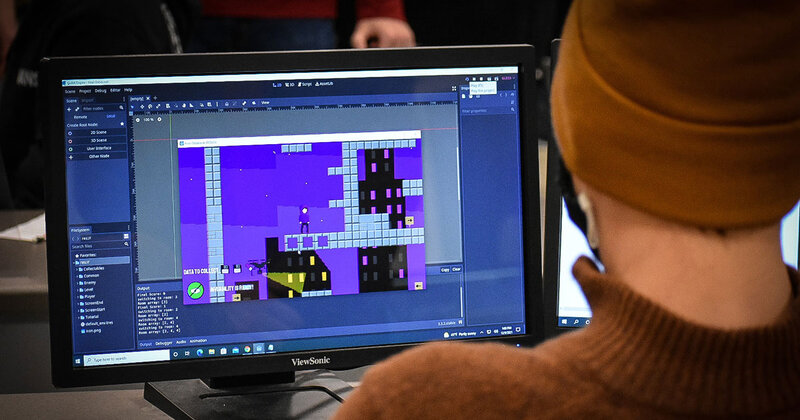
  3. Open-source game engine for 2D and 3D games. GDScript, C#, scenes, nodes, and lightweight architecture for rapid prototyping.

    • 0 posts
  4. Designing game mechanics, balance, levels, and player experience. Theory and practice of building engaging games.

    • 0 posts

Configure browser push notifications

Chrome (Android)
  1. Tap the lock icon next to the address bar.
  2. Tap Permissions โ†’ Notifications.
  3. Adjust your preference.
Chrome (Desktop)
  1. Click the padlock icon in the address bar.
  2. Select Site settings.
  3. Find Notifications and adjust your preference.