



🖥 Server equipment and hardware
Forums
-
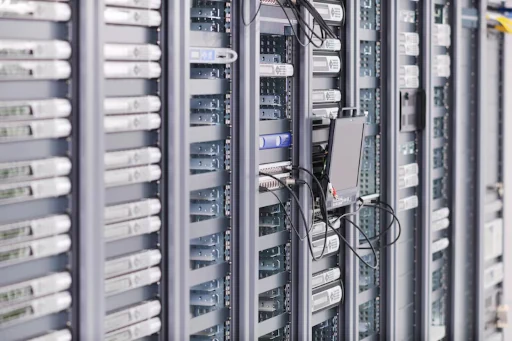
This section is dedicated to discussing server hardware, diagnosing issues, and solving any problems related to server systems. Here you can ask questions about equipment, compatibility, configuration, failures, performance issues, upgrades, and general server maintenance. Share your knowledge, seek solutions, and discuss best practices for managing and operating server infrastructure.
- 1 post
-
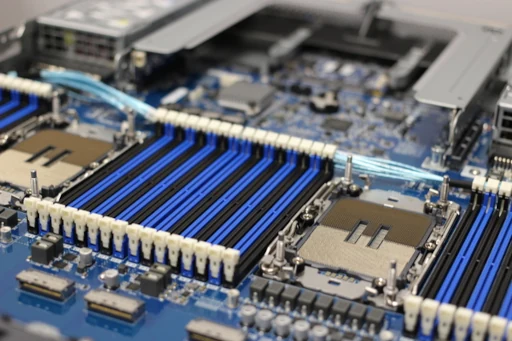
This section covers everything related to server-grade motherboards: choosing models for data centers or home labs, CPU/RAM compatibility, chipset specifics, firmware/BIOS/UEFI behavior, power configuration, POST/IPMI diagnostics, and long-term 24/7 operation.
Share your reviews, troubleshooting tips, wiring diagrams, upgrade experience, and common solutions — from ECC memory quirks to HBA/RAID controller integration.- 0 posts
-
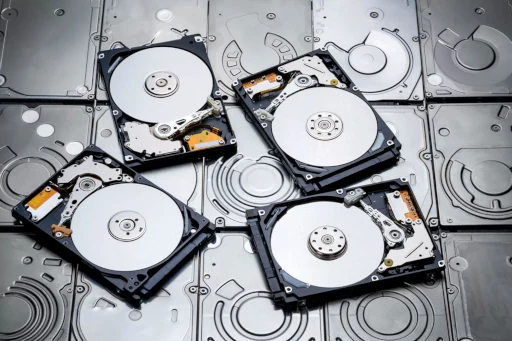
This section is dedicated to server-grade storage hardware and infrastructure for reliable data management. Here you can discuss equipment and technologies used in corporate and home data centers:
RAID arrays, controllers, HBAs, SAS/SATA/NVMe backplanes
NAS/SAN solutions and network file systems
JBOD/JBOF enclosures, disk shelves, expansion units
Performance, diagnostics, storage tuning
Upgrades, compatibility, firmware, and high availability
Hardware selection for backups, archiving, virtualization, and large-scale data workloads
Suitable for questions, experience sharing, hardware reviews, configuration recommendations, and real-world scenarios.
- 1 post